

Description
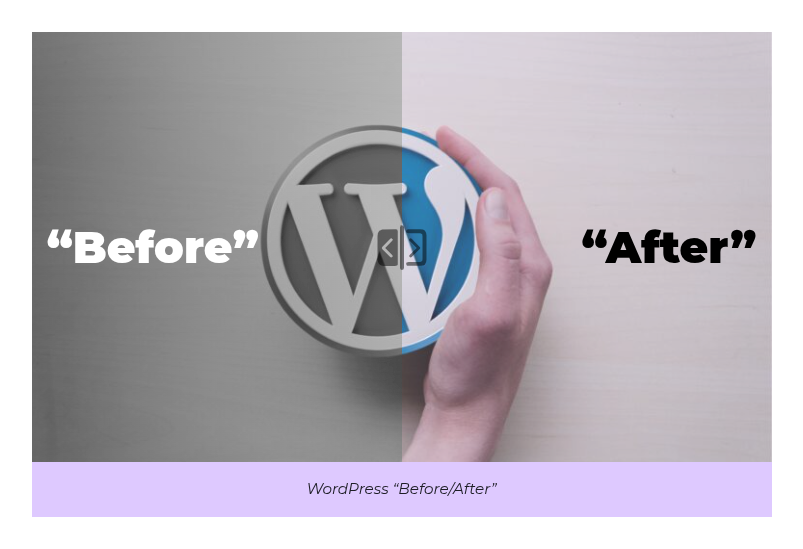
The JuZ DualView Block allows you to create interactive before/after comparisons directly in the WordPress block editor. Perfect for showcasing transformations, improvements, or any content that benefits from side-by-side comparison with an interactive slider.
Key Features:
– Interactive slider to compare before/after content
– Works with images, covers, text, or any block content, as long as it is not interactive (see below)
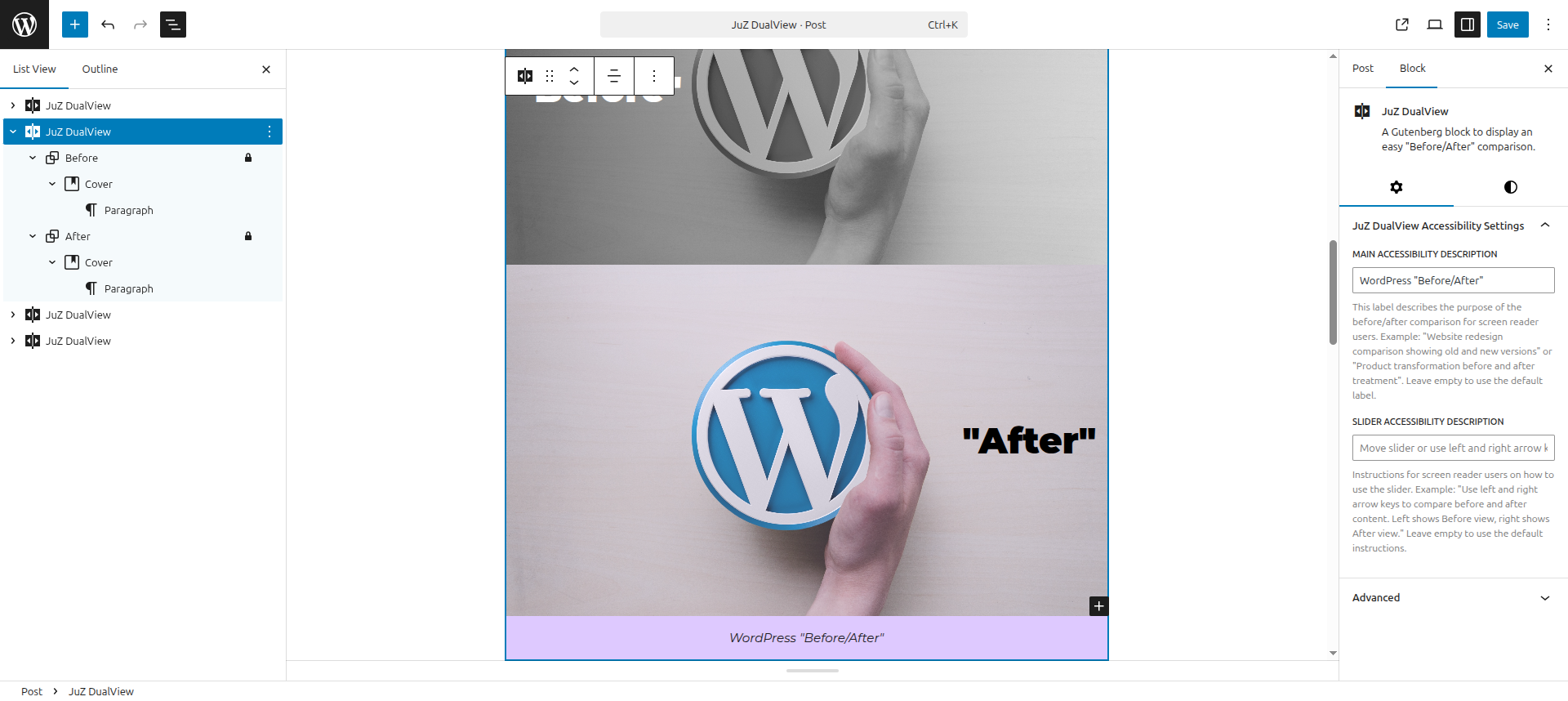
– Customizable labels and descriptions
– Responsive design that works on all devices
– Accessibility-ready with proper ARIA attributes
– Easy to use with a simple interface
Use Cases:
– Showcasing design improvements
– Demonstrating product before/after results
– Comparing old vs. new versions
– Highlighting transformations
– Any content that benefits from visual comparison
What to put in it:
Any blocks, as long as the content is not interactive: images, covers, text, a whole layout. Links, buttons, forms or video players would sit under the slider and could not be used. When both sides hold text, give them a background so that one does not show through the other.
Labels in the language of the page:
The default labels of the slider and its buttons are added when the page is displayed, in the language of the page (English by default). On a multilingual site, each page gets its own language; the labels typed in the block settings are kept as they are.
Live demo:
See it in action on playground.juzed.dev, or try it in the editor with WordPress Playground, nothing to install.
Accessibility Credits:
This plugin’s accessibility features were developed with expert guidance from:
– Jean-Baptiste Audras (Whodunit)
– Sorya Huon (Ecedi)
– Myriam Niaré-Guilloux (Ecedi)
Additional Notes
- Requires WordPress 6.0 or higher
- Works with the Gutenberg block editor
- Tested with major WordPress themes
- Lightweight and performance optimized
Screenshots
Blocks
This plugin provides 1 block.
- JuZ DualView A Gutenberg block to display an easy "Before/After" comparison.
Installation
- Upload the plugin files to the
/wp-content/plugins/juz-dualviewdirectory, or install the plugin through the WordPress plugins screen directly. - Activate the plugin through the ‘Plugins’ screen in WordPress
- Use the “JuZ DualView” block in the Gutenberg editor
FAQ
-
How do I use the block?
-
- Add the “JuZ DualView” block to your post or page
- Add your “Before” content in the first section
- Add your “After” content in the second section
- Customize the block settings as needed
- Publish your content
-
Can I compare more than just images?
-
Yes! The block works with any content type. You can compare images, text, or any combination of blocks.
-
Is the block responsive?
-
Yes, the block is fully responsive and will adapt to different screen sizes.
-
Can I customize the colors?
-
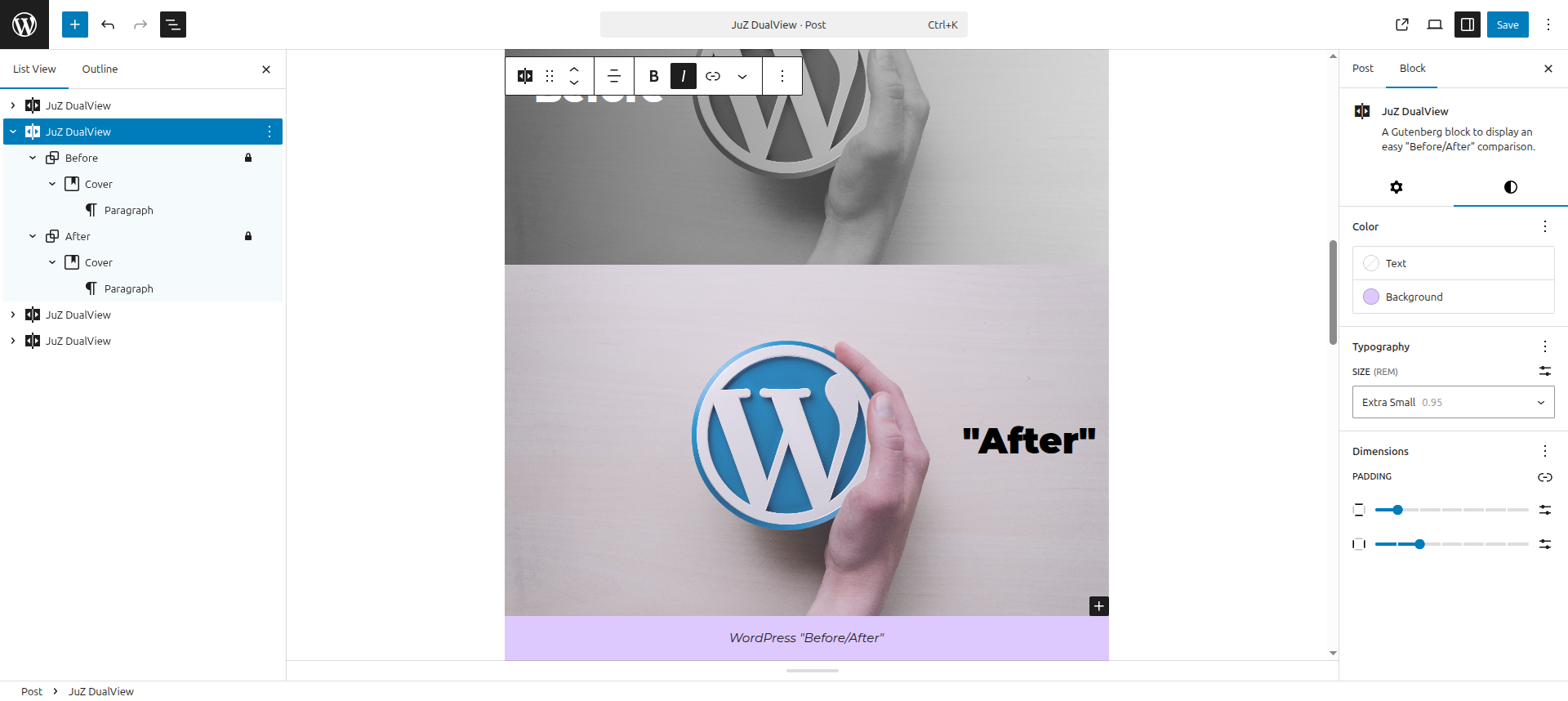
Yes, you can customize the background colors and text colors using the block’s color settings.
-
Is the block accessible?
-
Yes, the block includes proper ARIA attributes and keyboard navigation support to ensure accessibility.
Reviews
There are no reviews for this plugin.
Contributors & Developers
“JuZ DualView” is open source software. The following people have contributed to this plugin.
Contributors
“JuZ DualView” has been translated into 1 locale. Thank you to the translators for their contributions.
Translate “JuZ DualView” into your language.
Interested in development?
Browse the code, check out the SVN repository, or subscribe to the development log by RSS.
Changelog
1.1.1
- Live demo: new address of the demo page, and a WordPress Playground preview that opens the editor on a demo page.
1.1.0
- Default labels added when the page is displayed, in the language of the page: they are no longer saved in the content, so a block stays valid when the translations or the editor language change. Blocks saved by earlier versions are converted when edited, and show their labels in the language of the page right away.
- Slider: aria-valuemax set to 100.
- Tested with WordPress 7.1.
- Requires WordPress 6.6 and PHP 7.4.
- Block version aligned with the plugin version.
- Build tooling updated.
1.0.1
- Fix CSS selector specificity for range input to avoid conflicts with Ollie theme styles
- Fix figure margin-block-end inside the block (Ollie theme compatibility)
- Tested with WordPress 6.9
1.0.0
- Initial release
- Interactive slider functionality
- Support for any block content
- Customizable labels and descriptions
- Accessibility features