
Description
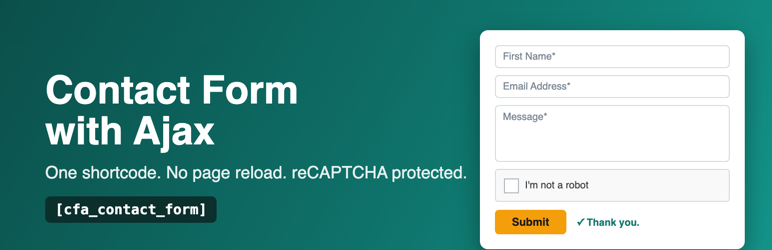
This is a simple plugin to generate a contact form using a shortcode.
The main feature are:
- Google Re Captcha.
- Can add All data from back end like: To Email, Email subject, Thank you Page, etc.
- AJAX is included so form will be fade out and display Thank you message without page load only if ‘Thank you Page’ id is not selected .
- If To Email id not selected in settings so data will be sent to admin email automatically.
Following fields are included (we will give access to add/update/delete fields in our next update soon):
- First Name
- Last Name
- Email Address
- Phone
- Message
- Google Captcha
How to use Shortcode:
Just use : [cfa_contact_form]
This will use AJAX and data will be sent to admin email id. (Remember to add captcha keys in settings.)
Remember:
You must have to add Google Re Captcha keys. Please go to Settings > CFA.
- site key
- secret key
To create your website keys go to: https://www.google.com/recaptcha/intro/index.html.
Screenshots



Installation
- Upload plugin’s zip file to the ‘Add New Plugin’ section in the WordPress.
- Activate the plugin through the ‘Plugins’ menu in WordPress
- Place shortcode where you want to display shortcode.
FAQ
-
How to use plugin
-
Plugin is used using [cfa_contact_form] shortcode

Contributors & Developers
“Contact Form with Ajax” is open source software. The following people have contributed to this plugin.
Contributors
Translate “Contact Form with Ajax” into your language.
Interested in development?
Browse the code, check out the SVN repository, or subscribe to the development log by RSS.
Changelog
3.1.0
- Readme refresh, tested up to WordPress 7.1, minimum PHP 7.4.
3.0.0
Compatible with Gutenberg Sites with few minor fixes.
2.0.0
- Shortcode is changed from [contact_form] to [cfa_contact_form] to prevent conflicts.
- Google Captcha is added to the form.
- Back end interface added. Go to Settings > CFA.
1.0.0
- Includes shortcode [contact_form]